E-Passport Check & Information Blog

পাসপোর্ট ও ভিসা সংক্রান্ত সকল তথ্য পাবেন এই ব্লগে। এই ওয়েবসাইটের সাথে সরকারি মন্ত্রণালয়ের কোন যোগসূত্র নেই।

Check application status

Check the status of your application by entering either
Application ID (e.g. 4000-100000000) you find on the Delivery Slip you received from the Passport Office
Or Online Registration ID (OID) from your online application (e.g. OID1000001234)

OR

About E-Passport

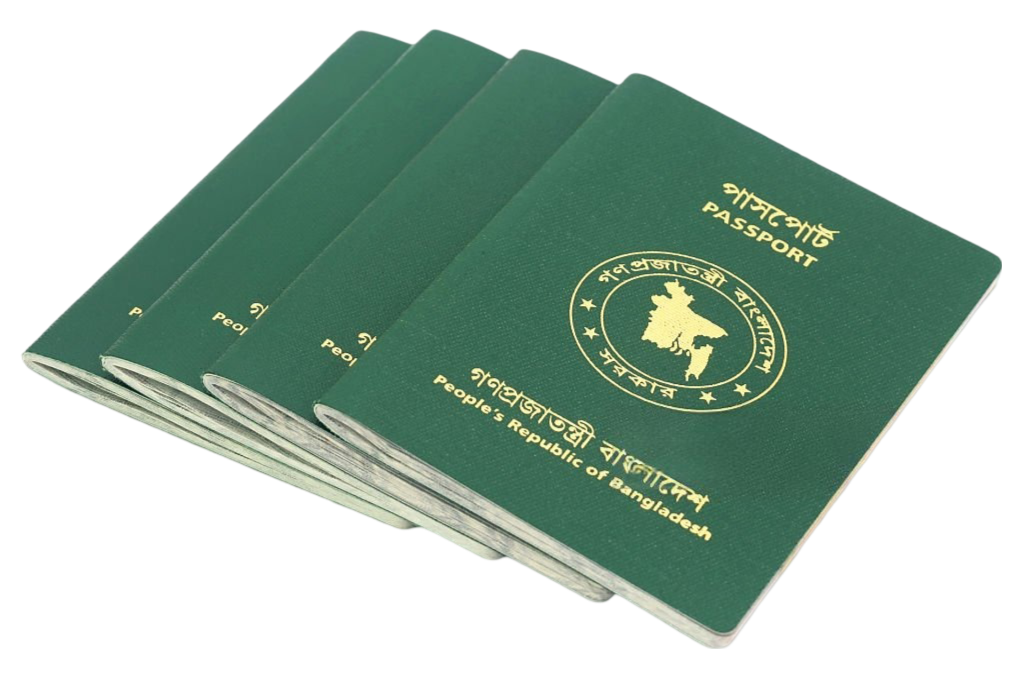
E-passport, or electronic passport, is a digital advanced passport that contains a microchip and stores the traveler’s biometric data. Your photo, fingerprints, and other personal information are stored electronically in this passport, which makes the international security and verification process faster and more accurate. E-passport uses modern technology compared to conventional passports.

It has now become essential for international travelers. With it, you can easily travel to different countries quickly and securely. One of the advantages of e-passport is that it verifies your identity through biometric information, which reduces the risk of identity fraud. In addition, the microchip of the e-passport easily connects to the border crossing system, saving time and you do not have to wait in long lines.

What is an E Passport?

An ePassport, or electronic passport, is a modern travel document embedded with an electronic microchip. This chip contains essential biometric information such as the holder’s name, date of birth, photograph, and fingerprint data. It is designed to enhance security, reduce identity theft, and expedite border control processes. EPassports comply with the standards set by the International Civil Aviation Organization (ICAO), making them globally recognized and highly secure.

E Passport Check Online

To check your e-passport status, open the official Bangladesh e-Passport portal. You need either your Online Registration ID (OID) or your Application ID. You get the Online Registration ID at the end of your online application, and it is also printed on the application summary you download.

After biometric enrolment at the passport office, you receive a delivery slip that shows your Application ID. Enter either of these numbers with your date of birth to see whether your passport is being processed, printed or ready for collection.

সেবা সমূহ

পাসপোর্ট আবেদন

পাসপোর্ট করার নিয়ম গুলো দেখুন

পাসপোর্ট চেক

পাসপোর্ট চেক করার নিয়ম দেখুন

পাসপোর্ট সংশোধন আবেদন

জানেন না কিভাবে পাসপোর্ট সংশোধন করবেন? পাসপোর্টে ভুল থাকলে এখনই দেখে নিন

পাসপোর্ট ফি

পাসপোর্ট করতে কত টাকা লাগে, রি ইস্যু বা সংশোধন ফি কত। সব মিলিয়ে দেখুন পাসপোর্ট ফি

পাসপোর্ট করতে কি কি লাগে

পাসপোর্ট আবেদন করার জন্য কি কি ডকুমেন্ট লাগে দেখুন

পাসপোর্ট নাম্বার দিয়ে ভিসা চেক

বিভিন্ন দেশের ভিসা আবেদন করে থাকলে দেখতে পারবেন পাসপোর্ট নাম্বার দিয়ে ভিসার বর্তমান স্ট্যাটাস

সর্বশেষ আপডেট সমূহ

ওমান ভিসা চেক করার নিয়ম
Visa

ওমান ভিসা চেক করবেন কীভাবে? ROP ওয়েবসাইট ও অ্যাপে যাচাইয়ের নিয়ম (Oman Visa Check)

ROP ওয়েবসাইট ও অ্যাপে ওমান ভিসার অবস্থা যাচাইয়ের সহজ নিয়ম।

বিস্তারিত
UK Passport Photo Size – 35×45 mm Printed & Digital Requirements
Photo Size

UK Passport Photo Size – 35×45 mm Printed & Digital Requirements

The UK has two very different photo routes: a digital photo for online applications...
বিস্তারিত
পাসপোর্ট নাম্বার দিয়ে কুয়েত ভিসা চেক করার নিয়ম
Visa

পাসপোর্ট নাম্বার দিয়ে কুয়েত ভিসা চেক করার নিয়ম (Kuwait Visa Check)

কুয়েত MOI ই-ভিসা পোর্টালে ভিসা আসল কিনা ও আবেদনের অবস্থা যাচাইয়ের সহজ গাইড।

বিস্তারিত